
New: AI passthrough!
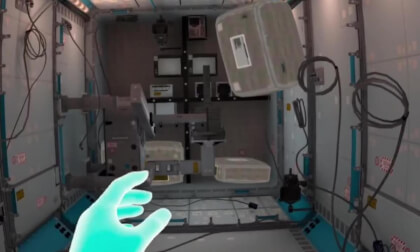
This amazing Deo feature uses the power of AI to turn every VR scene into AR passthrough! Now you can take characters out of VR and have them right there with you - as if they were in the same room.
Notice: AI Passthrough is presently in beta mode, and as such, users may encounter occasional service imperfections. The feature is currently exclusive to the DeoVR app, but it will soon be accessible on both browsers and mobile devices. Your feedback is highly encouraged and appreciated.
Recommended headsets:
Meta Quest 3, and Quest Pro with stereoscopic color passthrough, Pico 4 (monoscopic color passthrough).
Compatible headsets:
Quest 2, Valve Index (monoscopic black and white passthrough).
Passthrough is not compatible yet for Oculus Link cable.
Check out our complete guide to passthrough and join in the discussion at our busy forum.
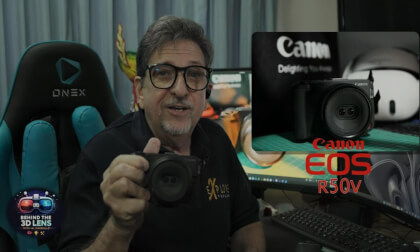
Is NEX the best video player app for Meta Quest 3 and 3S? After testing its environments, playback controls, and 2D to 3D conversion feature, here's what I found.
NEX, developed by Nexora XR, is a video player application for the Meta Quest 3 and 3S that offers six customizable viewing environments, an extensive range of playback settings, and flexible video access options — including wireless streaming from a connected PC via the NEX Link app.
In this review, I cover three areas where NEX performs well: the quality of its virtual viewing environments, the depth of its video playback controls, and its ability to access video content from external sources including PCs, media servers, and USB drives. I also address the 2D to 3D AI conversion feature — one of the app's most prominently promoted capabilities — and whether it delivers on its promise.
🔗 Resources
• NEX Video Player: https://www.meta.com/en-gb/experiences/nex-next-gen-video-player/25092971956976708/
• NEX Link for PC: https://nexplayer.net/
If you found this review useful, please click like and subscribe to see more videos covering spatial video, 3D cameras, and Meta Quest workflows.