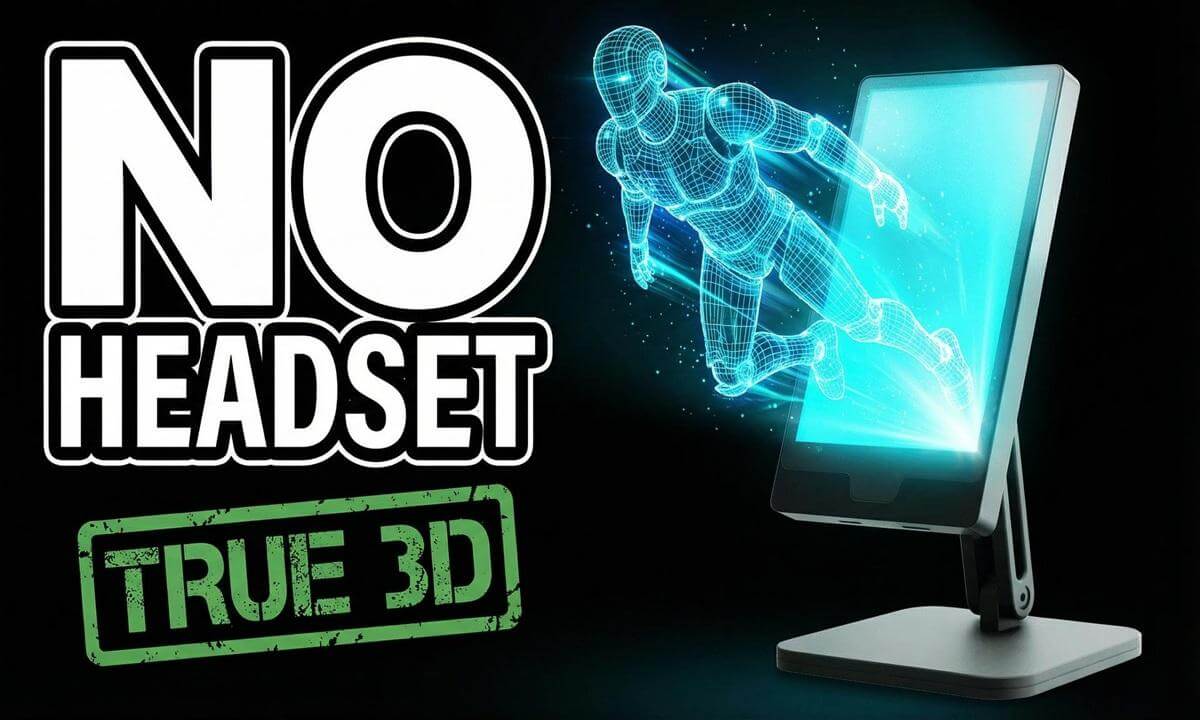

#CubeVi #CubeViC1 #CubeViCompanionOne
True spatial 3D on your desktop — no headset, no glasses. The CubeVi Companion One (C1) is a glasses-free holographic display built for creators working in 3D, VR180, and spatial video workflows.
In this review, I put the CubeVi C1 through its paces as a real-time spatial depth monitor for 3D VR content production. I cover the full app ecosystem — DonutMonitor for live PC performance visualization, RealPlay for AI-driven 3D content conversion, and Lightrix3D for spatial content creation and sharing. I also test it with my own spatial 3D photography from the Kandao QooCam EGO to see if it holds up as a professional preview tool.
— TECH STACK —
Gear Used:
• CubeVi Companion One (C1) — https://cubevi.com/products/cube-c1
• Kandao QooCam EGO — https://www.kandaovr.com/qoocam-ego
• Cubestage Platform (free download): https://cubevi.com/pages/download-page
Apps Featured:
• DonutMonitor
• RealPlay
• Lightrix3D
 16:12
16:12 43:12
43:12 09:54
09:54 04:36
04:36 07:28
07:28 03:24
03:24 10:19
10:19 58:31
58:31 1:43:48
 20:28
20:28