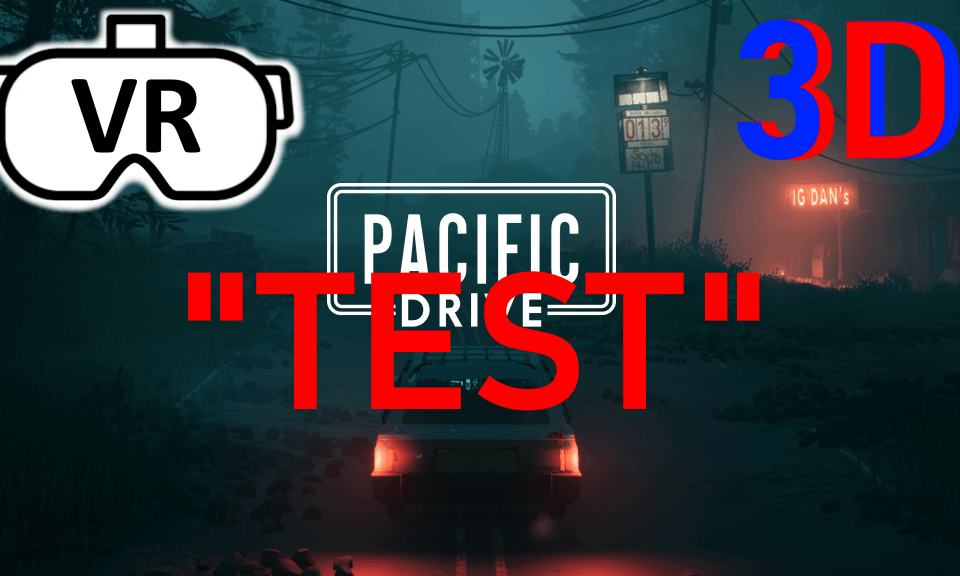
"TEST" Pacific Drive 3D 7040x1980 upscale and settings "TEST"

I am trying to figure out how to edit SBS video in DaVinci Resolve. If anyone has good info on SBS editing let me know. Right now, I am trying to figure out when I edit and render the SBS video, why is the video cropped out each time I render it? The aspect ratio and resolution are correct.
Also, the recording software I am using is "Surreal Capture" and is the only one available and does not work well. I have tried to change the camera positioning, so it can capture a better angle but won't. This overpriced $200 software has not had any updates and the developer does not seem to care to make improvements or updates.
*Update* It turns out it was the resolution. I had bad info on what the max resolution possible for SBS video is on DeoVR. 8192 x 4096 is wrong and should be 8192 x 2304. I used Paint.net to figure out a correct resolution for aspect ratio 32:9.
 04:30
04:30 04:52
04:52 03:51
03:51 00:48
00:48 01:54
01:54 00:48
00:48 01:30
01:30 06:39
06:39 03:12
03:12 30:19
30:19
![[Passthrough] Gan*u - PARA GIRL [DanceXR(MMD)]](https://cdn-vr.deovr.com/images/17849/passthrough-ganu-fridays-good-morning-dancexrmmd-cover-app.jpg)