
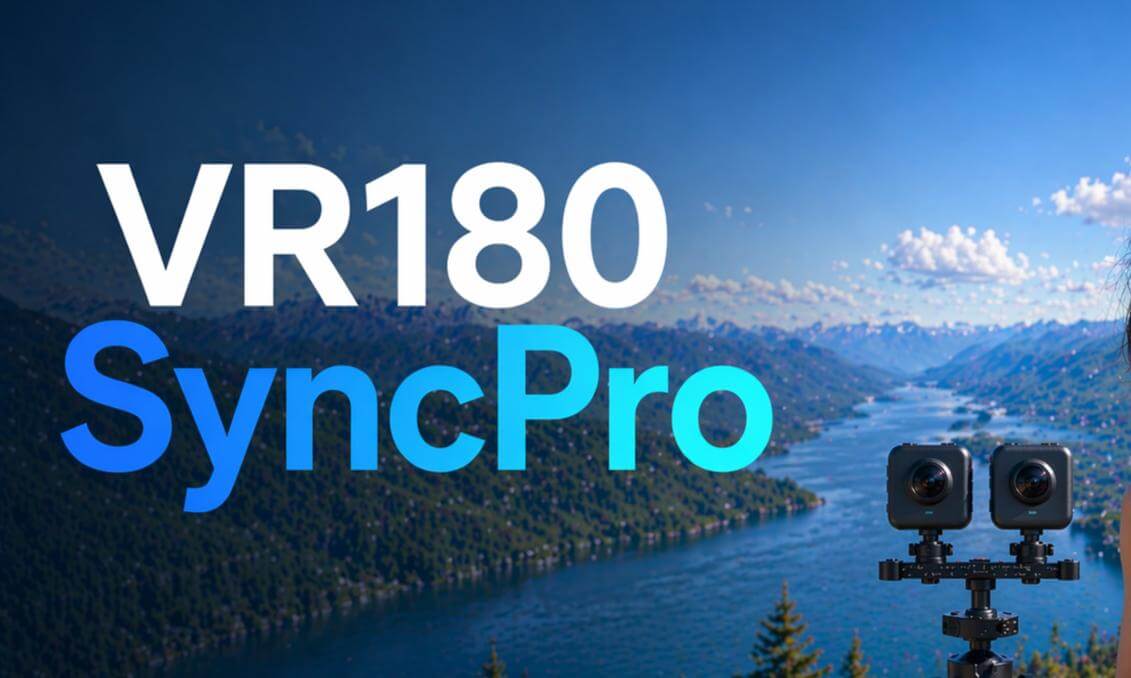
VR180 SyncPro will be released on Steam on May 25

VR180 SyncPro is a post-production tool for dual-camera VR180 creators, designed to turn a traditionally complex, time-consuming, and experience-dependent workflow into something simpler, more direct, and easier to finish.
For many people, the hardest part of VR180 is not recording the footage. It is everything that comes after: organizing clips, pairing left and right eye footage, syncing them, correcting the horizon, previewing the result, exporting the final video, and making sure the file is properly recognized as VR180. Traditional workflows often require manual timeline work, repeated trial and error, and sometimes even clapboards, sync sounds, or staged markers recorded during the shoot just to make post-production possible. VR180 SyncPro is built to remove as much of that burden as possible.
Shoot Naturally, Without Changing the Way You Record: You do not need a clapboard. You do not need a dedicated sync cue. You do not need to change the way you shoot just for post-production. You can record naturally, like using a normal camera, and let the software handle the workflow afterward.
Automatic Sync: Automatic sync is one of the most important parts of the VR180 SyncPro experience. With dual-camera VR180, even a small mismatch between left and right eye footage can affect the final viewing experience immediately. The software automatically analyzes the timing relationship between both videos, turning dual-camera VR180 into a workflow that is much easi
 05:44
05:44 06:27
06:27 14:56
14:56 24:02
24:02 03:54
03:54 03:49
03:49 05:31
05:31 09:27
09:27 03:37
03:37 08:47
08:47 03:36
03:36
![BREATHE | Born at 27 Weeks – An Immersive VR Documentary [EN]](https://cdn-vr.deovr.com/images/139801/85932_breathe-born-at-weeks-an-immersive-vr-documentary-en-cover-app.jpg)