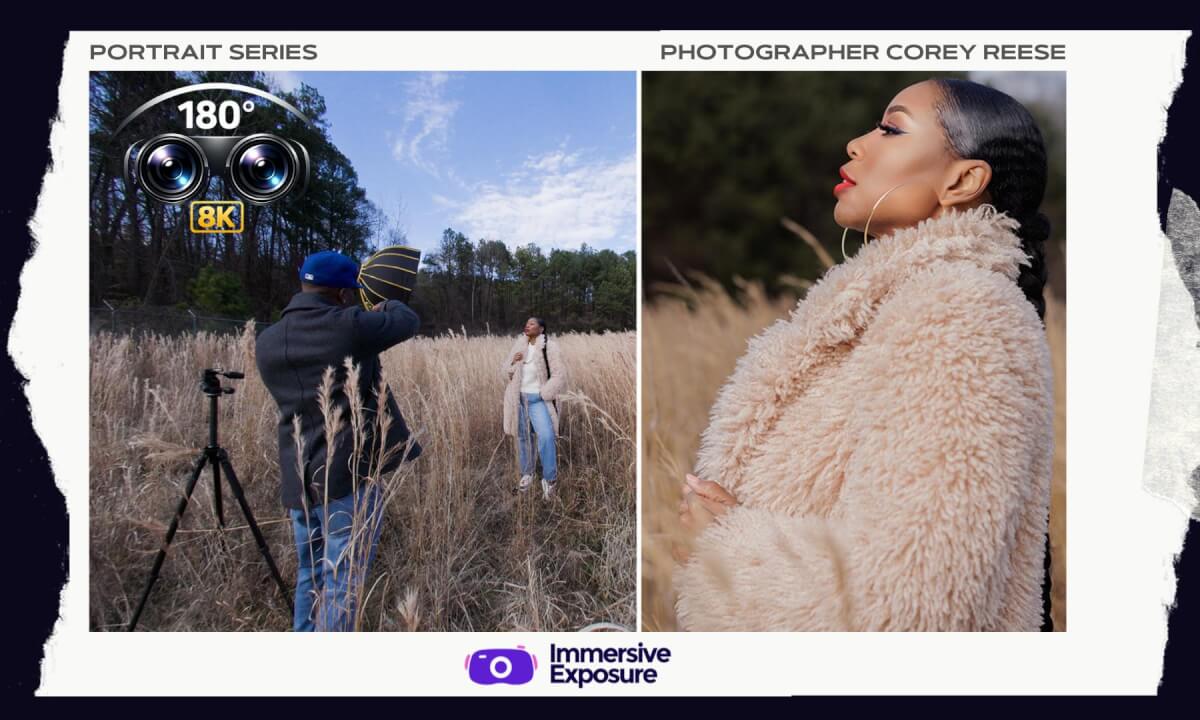
How To Mix Flash With Natural Light Outdoors (8K 3D VR180)
Want better outdoor portraits?
In this immersive photography workshop, you'll learn how to work with changing natural light, control depth of field, use high-speed sync, and blend flash with daylight to create professional outdoor portraits.
Filmed in stunning 8K 3D VR180, this workshop follows a real location photoshoot as we compare natural light images against flash photography while exploring camera settings, lens choices, composition, and environmental portrait techniques.
As always, to follow along in full VR, grab your Meta Quest headset and download Immersive Exposure.
🌐 https://immersiveexposure.com/
Business Inquiries:
info@coreyreese.com
Interested in becoming an instructor on the platform or trying Immersive Exposure?
info@immersiveexposure.com
CHAPTERS
00:00 Outdoor Location Overview
00:16 Natural Light vs Flash Setup
00:36 Understanding Changing Light Outdoors
00:56 Camera Settings Explained
01:27 Why Aperture Matters
01:53 Creating More Background Blur
02:22 Adjusting Shutter Speed for Exposure
03:16 Working With Environmental Portraits
04:03 Changing Angles for Better Photos
04:50 Natural Light Results Review
05:14 Adding Flash To The Scene
05:57 Flash Photography Setup
06:10 High-Speed Sync Explained
06:50 Balancing Flash With Daylight
07:17 50mm Lens Limitations
07:37 Switching To A 24-70 Lens
08:01 Wide Angle Environmental Portraits
09:16 Creating Stronger Full Body Compositions
10:20 Moving The Light Position
11:38 Final Outdoor Portraits
 55:17
55:17 06:50
06:50 05:09
05:09 01:38
01:38 05:11
05:11 03:54
03:54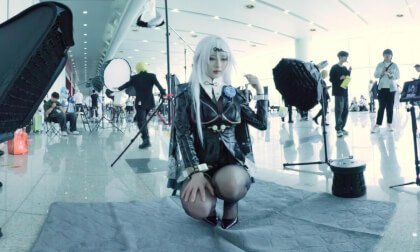 01:56
01:56 02:24
02:24 46:08
46:08 01:29
01:29 43:26
43:26