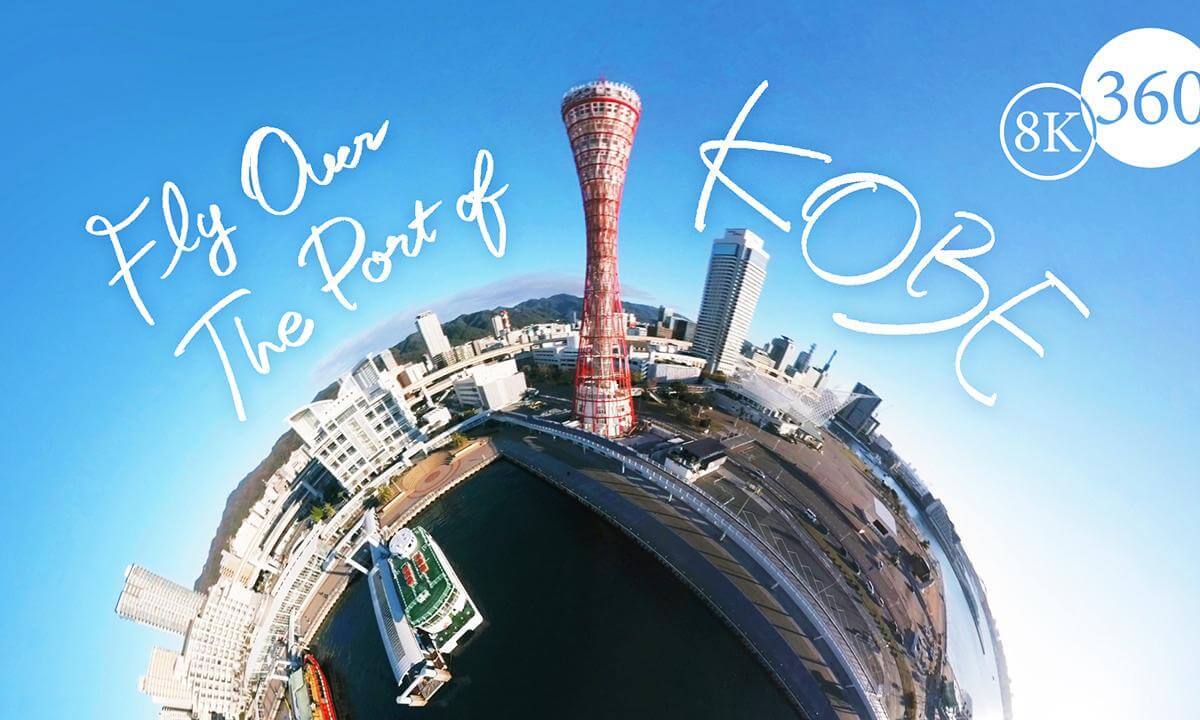
Fly Over The Port of KOBE. Virtual Tour in Kobe, Japan. Experience the scenic view of Kobe in VR!

[Production process]
■Time-lapse section of “BE KOBE” monument
① Using the interval shooting function of the Insta360 ONE RS 1 inch 360 degree version, the exposure was set to auto (minus 0.5 stops) and shots were taken at 3 second intervals for about 1 hour.
② Export as a DNG sequence with Insta360 Studio
③Auto transition and deflicker processing with LRTimeLapse
④Develop with Adobe Lightroom and export as JPEG
⑤Edit to time-lapse video with DavinciResolve
■Video part
①Taken with Insta360 ONE RS 1 inch 360 degree version. A DJI Mavic3 Classic was used for aerial photography with a drone.
② Export ProRes with Insta360 Studio
③Edit with DavinciResolve and export in 6K with DNxHR HQX 10bit
④ Upscale from 6K to 8K using the Rezup plugin and export as DNxHR HQX 10bit. The length of the video is about 4 minutes, but this upscaling took about 13 hours. This process was the most difficult because DavinciResolve sometimes crashed during the process. In the end, I was able to resolve the issue by adjusting memory usage.
⑤ Embed metadata as a 360 degree video using Spatial Media Metadata Injector and upload it to Youtube. Uploading 90GB took about 30 minutes.
- - - -
 02:00
02:00 07:09
07:09 04:45
04:45 01:40
01:40 02:32
02:32 1:43:48
 02:10
02:10 17:52
17:52 01:45
01:45 01:41
01:41 05:18
05:18