
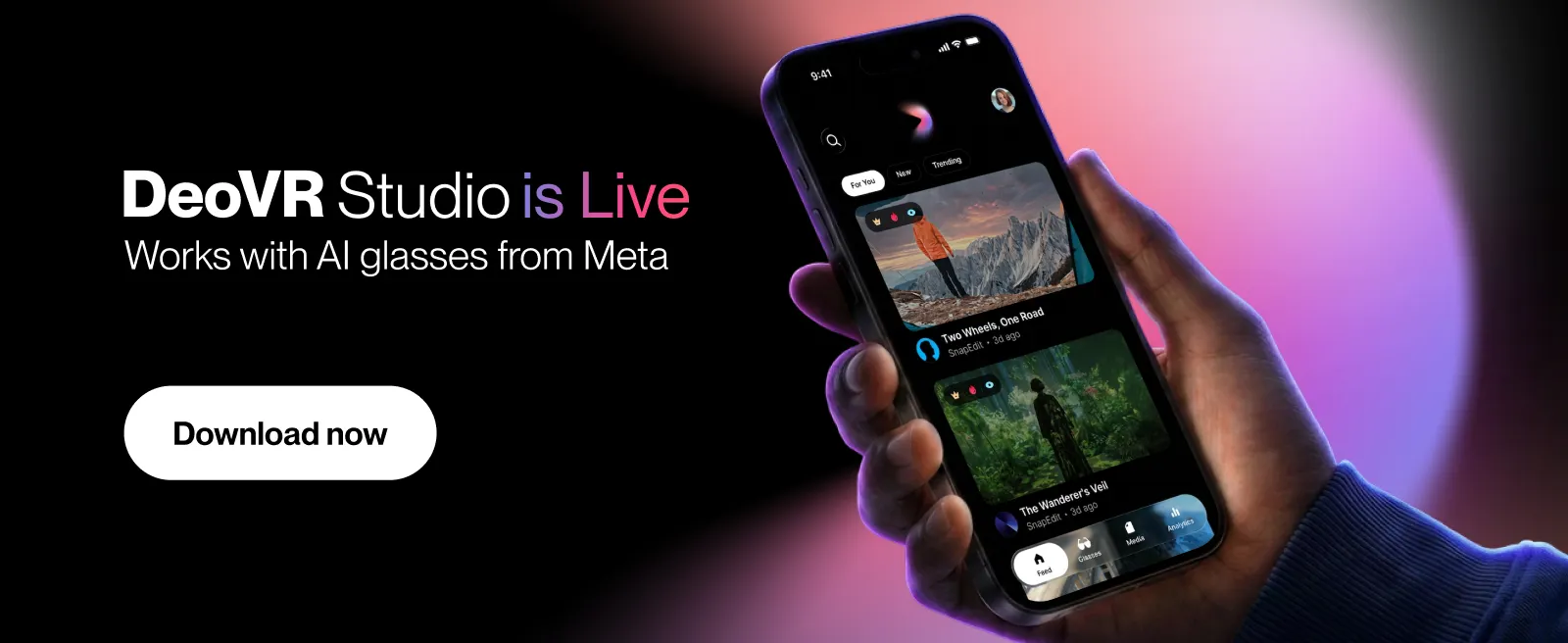
Getting started takes about a minute
- Download DeoVR Studio from Google Play
Or App Store - Sign in. Your account and library carry over.
- Got AI glasses from Meta? Open the Glasses tab and connect them.
Watching DeoVR on your phone's browser has always worked well. So this isn't a fix - it's an upgrade.
DeoVR Studio is a standalone app: your library on your home screen, feeds built for the touchscreen, and something genuinely new - a direct line to your AI glasses from Meta.
Watch VR the way it should work on a phone
VR videos play beautifully here: drag your finger across the screen and look around inside the scene. Left, right, wherever. Smooth and native, designed for the touchscreen from the ground up.
Flat videos play exactly as you'd expect. And your For You, New, and Trending feeds are right there on launch, premium and free alike.
Your glasses are invited too
DeoVR Studio works with AI glasses from Meta, and this is where it gets fun.
Record from your glasses, hands completely free, and the clip shows up in My Media - keep it in your local gallery or upload it to your DeoVR account. (And the upload path isn't just for glasses footage: you can bring in your own videos too, flat or VR.)
Want to see what your glasses see, live? Open the Glasses tab and start streaming. Your glasses' camera feed runs in real time on your phone screen. (One direction, to be clear: the glasses stream to the app, not the other way around.)
And when something's worth keeping, upload it to your DeoVR account and publish it on your creator channel, right next to everything else you've made.
That's the whole setup. Same DeoVR you know, now with a home of its own on your phone.