This is VR content
Download DeoVR app to watch in VR

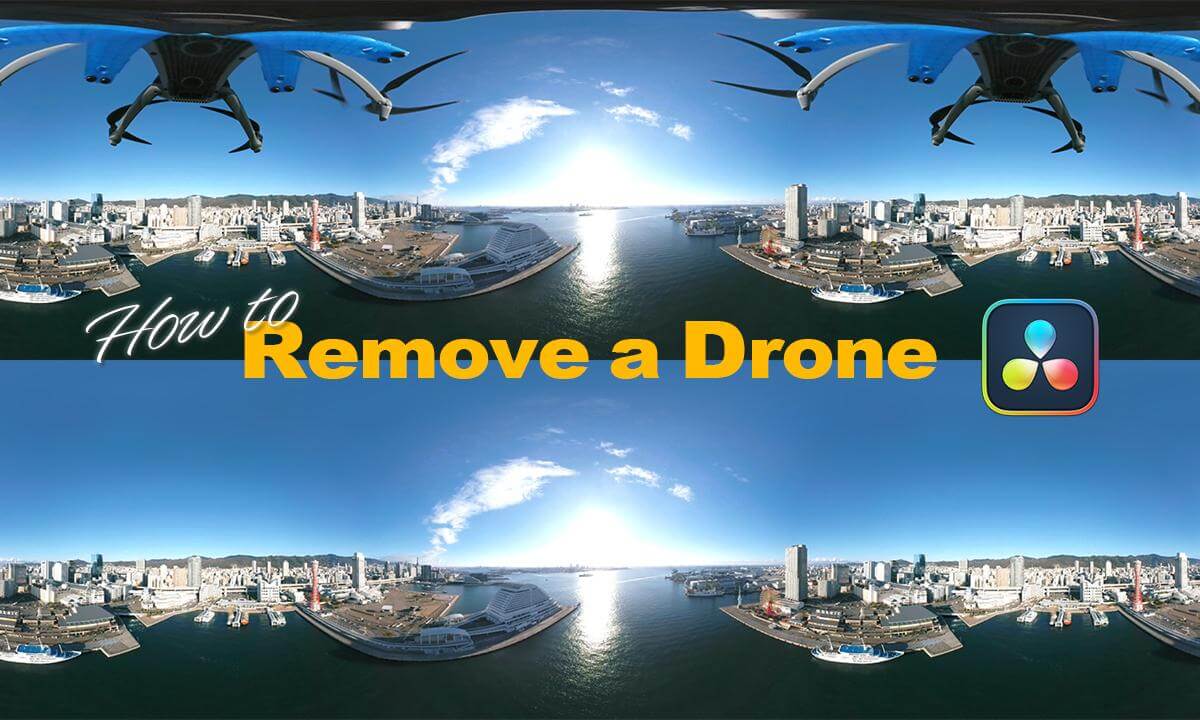
360度カメラの空撮映像からドローンを消す方法 How to Remove a Drone from 360° Aerial Footage in DaVinci Resolve20 Available with English, Chinese, and Spanish subtitles.

Yucca VR
Yucca VR
Released: 15 hours ago
64 views
Passthrough Videos
Get the action happening right at your place with DeoVR passthrough. Open a video in DeoVR app and click

New: AI passthrough!

This amazing Deo feature uses the power of AI to turn every VR scene into AR passthrough! Now you can take characters out of VR and have them right there with you - as if they were in the same room.

Notice: AI Passthrough is presently in beta mode, and as such, users may encounter occasional service imperfections. The feature is currently exclusive to the DeoVR app, but it will soon be accessible on both browsers and mobile devices. Your feedback is highly encouraged and appreciated.

Recommended headsets:

Meta Quest 3, and Quest Pro with stereoscopic color passthrough, Pico 4 (monoscopic color passthrough).

Compatible headsets:

Quest 2, Valve Index (monoscopic black and white passthrough).

Passthrough is not compatible yet for Oculus Link cable.

Share
Embed
X (Twitter)
WhatsApp
Facebook
Reddit
Email
360度カメラの空撮映像からドローンをきれいに消す方法を日本語で解説します。動画内でDaVinciResolve(Ver.20)を使用しています。
ドローンに360度カメラを取り付けるダンパーはこちらを使用しています。
Here’s the damper mount featured in the video.
https://dpdmounts.com/collections/frontpage

- - -
目次

カメラとドローンの接続方法
進行方向と映像の中心を一致させる
カラーページで色調整
1フレームを静止画として取り出す
Photoshopでクリーンプレートを作成
Photoshopの代替手段、Afinityでの方法
360度の空撮でありがちな二つの問題
ゴーストの出ないドローンの飛ばし方
プロペラのフリッカーを防ぐテクニック
ステッチラインは問題にならない?
まとめ

Related playlists: All Playlists
Recommendations:
Follow this channel to see all videos by Yucca VR
Don’t miss new videos from your favorite creator - log in and subscribe now