
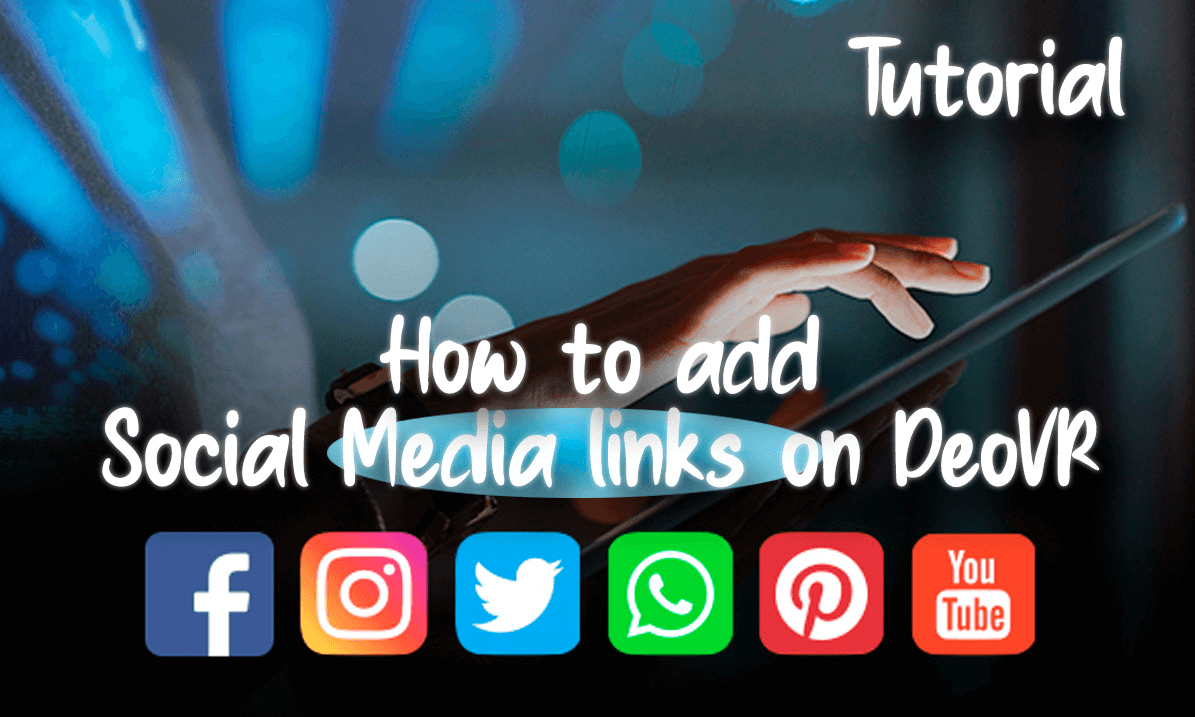
Tutorial: Create Social Media links on Deo Channel

Welcome to this tutorial on how to create links for your social media on DeoVR. First, we will access the DeoVR management panel by clicking on the appropriate link and selecting "Manage Channel". In the "Customization" tab, we will locate and click on the "Edit" icon. Next, we will select "Add Link" to start creating the links we need. In this case, we will create a link for YouTube. To do this, we will go to YouTube, copy the link of our channel, and add it in DeoVR, assigning it a name. Just like that, the links to our social media will appear on our channel.
 05:01
05:01 06:20
06:20 10:30
10:30![[59th AI-Gen 6K 3D 360° VR Experience] Steam Walker in a World of Distorted Dimensions](https://cdn-vr.deovr.com/images/131836/52686_th-aigen-k-d-vr-experience-steam-walker-in-a-world-of-distorted-dimensions-cover-app.jpg) 00:42
00:42 08:39
08:39 30:25
30:25 06:58
06:58 10:47
10:47 02:30
02:30

![[VR180 8K 3D] Day to Night in Myeongdong, Seoul | K-Beauty, Cathedral, Cafe & Street Food](https://cdn-vr.deovr.com/images/130622/61043_vr-k-d-day-to-night-in-myeongdong-seoul-kbeauty-cathedral-cafe-street-food-cover-app.jpg)