Apple Vision Pro Spatial Video | Behind the scenes

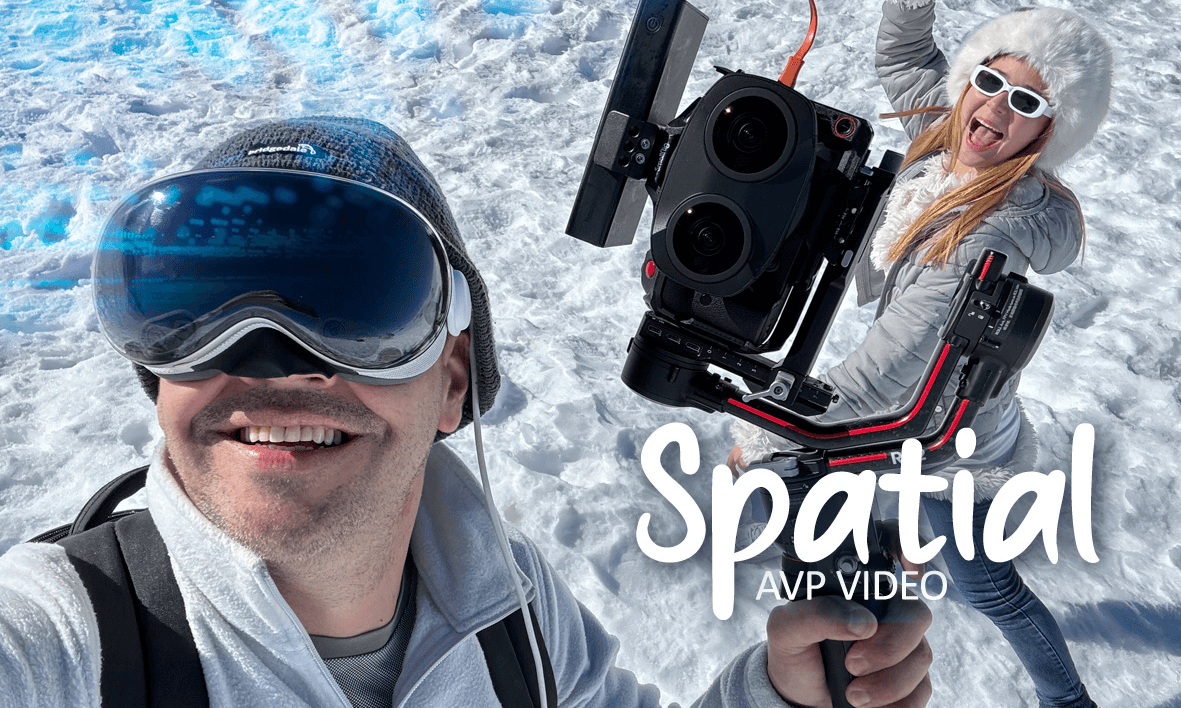
This video was shooted with the Apple Vision Pro camera and the iPhone 15 Pro Max in spatial format.
DeoVR is working on reading the native Apple MV-HEVC format, however, in this video we have made an almost exact transformation of how this video is displayed in the AVP viewer in immersive mode.
Steps for editing:
1) Converting the spatial format to Side by Side using the Spatial Video Converter app.
2) Transforming to Equidistant fisheye format in Mistika Boutique
3) Creating a passthough with alpha packing to make the edges blurry.
5) Linear editing in Premiere.
6) AI generated music. First time we used it and we really liked it, however it is very difficult to get a good result. It took more than 20 attempts.
7) 3D CGI generated in 3Ds Max
Conclusions:
1) The AVP camera generates a better stereo POV effect than the iPhone, however it has lower quality and it is more difficult to stabilize it.
2) The iPhone's IPD makes the stereo effect not very noticeable, only with very close objects. We loved the shots in the pool, and you? :)
3) The way to record and send the files to the PC is very complex and time-consuming. Also, to convert the files you have to do it one by one. It's too much work.
4) Definitely if you want to record spatial video it's much better to do it with 2 GoPros, or a camera like the QooCam EGO.
5) The best function of the AVP is to do POV and have your hands free. Unbeatable.
See the Full VR180 video: https://deovr.com/3d
 09:53
09:53 00:38
00:38